

Open CSV Files in Google Sheets
with One Click
Stop wasting 3 minutes on every CSV import.
Just double-click—done.
 Download for Mac
 Download for Windows — Beta
Free for your first 3 files · * also works with .xls and .xlsx
Windows beta is unsigned — Windows may show a security warning. Here's why it's safe
“A must-have for anyone working with data.”

“OMG this is beautiful idea. I love this!”

“It saves me so much time. Thank you!”

How it works
Sign in with Google
One click, in your browser. You own your data.
Your sign-in is stored securely
It's kept in the Apple Keychain, encrypted and on your Mac only.
Drop a file
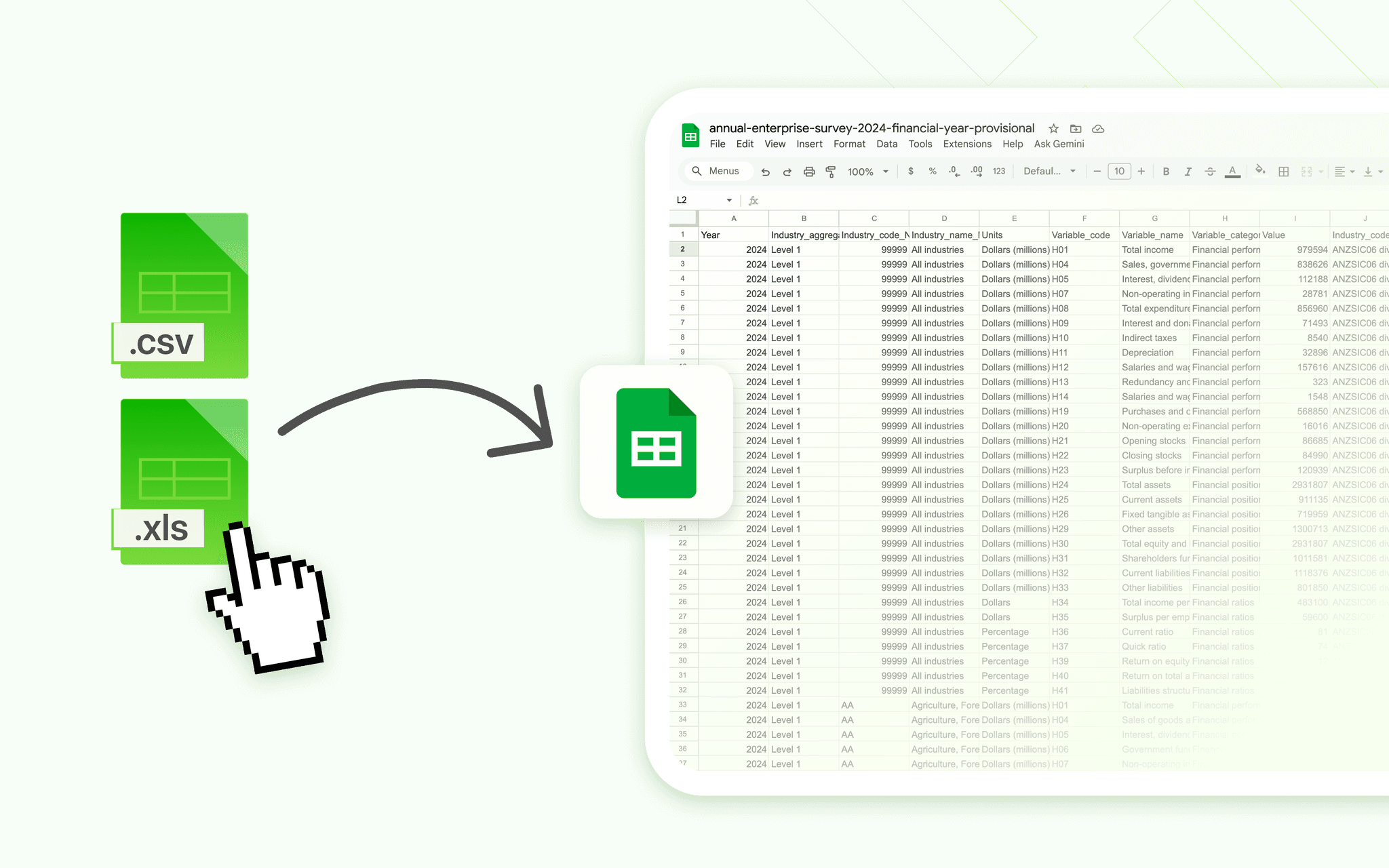
Drop a CSV, XLS, or XLSX file — it becomes a Google Sheet instantly.
What CSVtoSheets can and can't see
We use Google's most restrictive Drive permission (drive.file). Every capability on the consent screen applies only to “these files” — the sheets the app makes for you or files you choose to open with it.
What it can do
- Create new Google Sheets from the CSV files you open
- Read and edit the sheets it created for you
- Open a file only when you explicitly pick it
What it can never do
- See or list any other files in your Google Drive
- Read, download, or delete files it didn't create
- Touch your photos, financial records, or other documents
The warning Google shows about “private information in your Drive” is standard boilerplate displayed for any app that uses Drive — not a description of what we access. Read more in our privacy policy.
Before you decide, a few quick answers
Is my data secure?
Your files never touch our servers. CSVtoSheets runs locally on your Mac and sends data directly to Google Sheets. Your Google sign-in is kept in the Apple Keychain on your Mac — encrypted and never on our servers. We can’t see or store your spreadsheets or your credentials.
Does it see my whole Google Drive?
No. CSVtoSheets uses Google’s most restrictive Drive permission (drive.file). Every line on the consent screen — see, delete, share — applies only to “these files”: the sheets it creates for you or files you open with it. It can’t see the rest of your Drive. The “private information in your Drive” warning is Google’s generic boilerplate shown for any Drive app, not what we access.
What if I only use it occasionally?
You pay once and own it forever. Even if you only open a few CSVs each month, the time you save quickly covers the one-time $9 price.
Can I share the license?
A license is for your personal use and activates on up to 3 of your own computers, with any Google account. If your team wants access, we’re happy to help with team licenses—just reach out.
CSVtoSheets vs. the manual way vs. scripts
See how CSVtoSheets compares to doing everything by hand or maintaining your own scripts and automations.
Built for people who live in spreadsheets
Whether you're in analytics, marketing, finance, or operations, CSVtoSheets removes the friction between CSV exports and usable data.
Data analysts
Import daily reports in 1 click
Open recurring CSV exports from your BI tools straight into Google Sheets without touching the import dialog.
~2–4 hours saved every month
Marketing teams
Share campaign data instantly
Turn raw CSV exports from ad platforms into live Sheets dashboards your team can collaborate on in seconds.
~30–60 minutes saved per weekly report
Finance & ops
Skip repetitive upload flows
Open expense reports, payouts, and revenue exports directly in Sheets, ready for cleaning and analysis.
~1–3 minutes saved per file opened
Free CSV Converter Tools
Convert CSV to any format — right in your browser, 100% private. No signups, no uploads.
CSV to JSON
Convert CSV to formatted JSON objects instantly.
CSV to Excel
Generate an .xlsx workbook from your CSV data.
CSV Viewer
Preview CSV files as a sortable table online.
CSV to SQL
Generate INSERT statements for MySQL, PostgreSQL, or SQLite.
CSV to PDF
Export CSV data as a print-ready PDF table.
Your data stays private
Your Google sign-in lives only on your Mac, in Apple's secure Keychain — never on our servers.
Apple Keychain
Sign-in encrypted and stored on your Mac, never on our servers.
Least-privilege access
Only the files CSVtoSheets creates (drive.file scope).
One-click sign-out
Removes your saved sign-in anytime.
Built for macOS
Sandboxed, notarized, and uses Apple's native secure storage.
Stop wasting time. Own the solution.
Free for your first 3 files — no credit card. Then upgrade once and save hours every month. With the full version, process unlimited .CSV, .XLS, .XLSX files instantly in Google Sheets. Life's too short for manual uploads!
“I'm a data freak and I did some math. This tool literally saves me 5 extra clicks per every CSV I open. That's 2+ hours saved monthly!”@Lukas, RevOps Manager
Quick ROI calculator
Adjust the sliders to see how quickly a one-time $9 license pays for itself.
CSVtoSheets™Lifetime
One-time payment · No subscription
Regular price $14 · launch discount applied automatically at checkout
- Unlimited files (.csv, .xls, .xlsx)
- Lifetime license — pay once, use forever
- Mac & Windows — Windows version in beta
- Privacy first — files go straight from your computer to your Google Drive
- Instant activation — works immediately
30-day money-back guarantee
Try it risk-free. Not satisfied? Full refund.
47+ professionals already using CSVtoSheets™
Secure checkout · powered byFrequently Asked Questions
Everything you need to know about CSVtoSheets.Can't find what you're looking for?We're here to help!
Still have questions?
Shoot me an email at help [at] csvtosheets.com and we'll figure this out!
Feedback is more than welcome!